The User Interface in the Agentic Era

2026-10-15
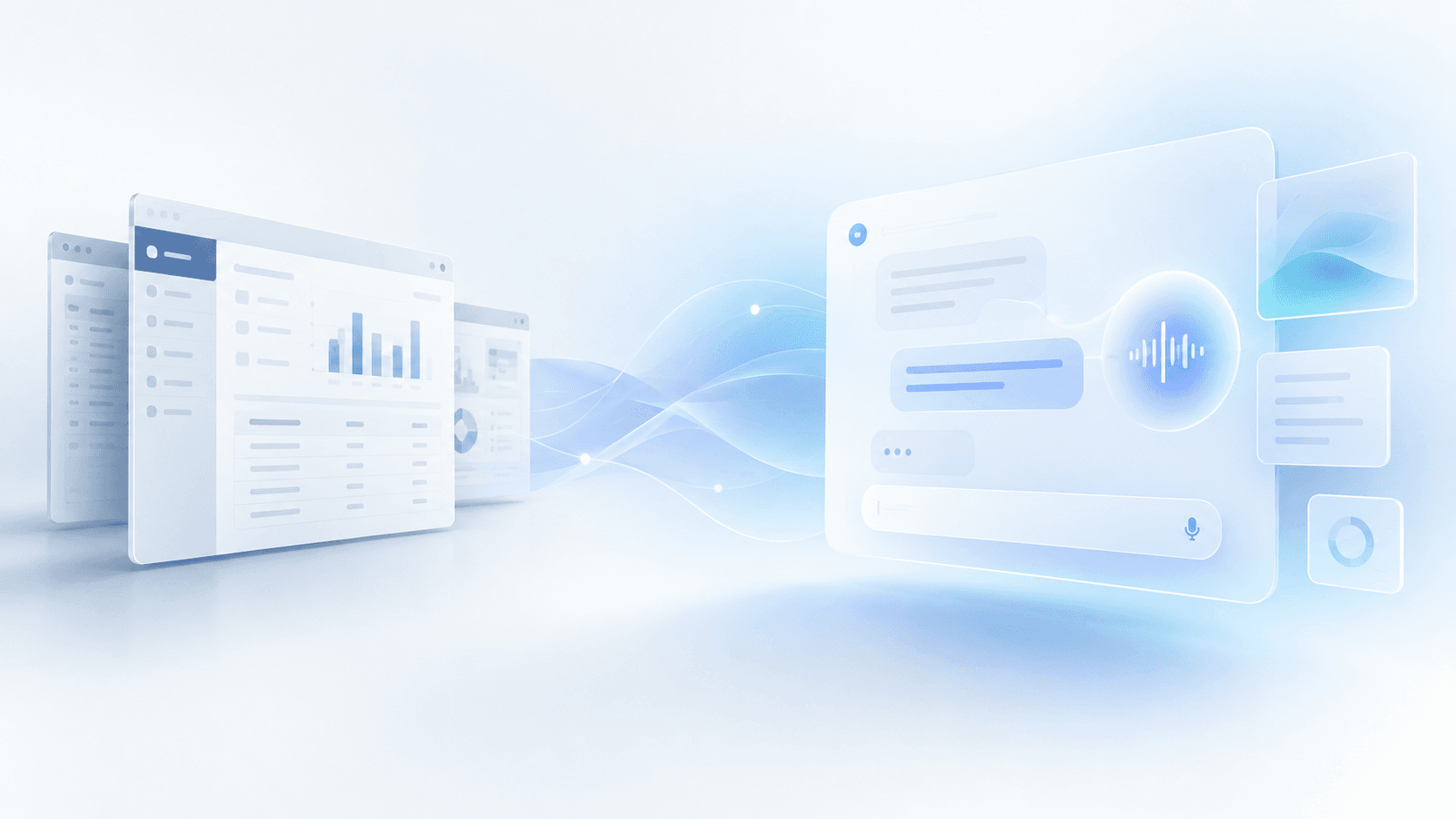
Generating a screen is already cheap: just describe what you need to an AI agent and, within minutes, you’ll have a table with filters, a couple of charts, and just the right buttons in front of you. Using it, sharing it, and maintaining it are not: making sure the team knows how to read it, ensuring one shift supervisor can tell another where to find a piece of information, and keeping it truthful when the product changes underneath it still cost what they always have.
In summary
- Making an interface cheap to build doesn’t make it cheaper to use, share, or maintain, and much of the future of UI will be decided by that difference.
- Agents and interfaces will coexist: conversation doesn’t replace seeing, and to reorganize a schedule we’ll still want a Gantt chart.
- Every interface has a useful life: temporary for exceptional cases, persistent for tasks a company, department, or role repeats, and standard when the need is common to many customers.
- Generated screens shouldn’t reimplement business rules: if the API doesn’t provide a piece of data, extend the contract instead of calculating it locally.
- A customization that has been in use for months is a better signal than any request for deciding what deserves to become part of the standard product.
- AI only changes the game if it also makes verification and maintenance cheaper, not just building; otherwise, we’ll have shifted the threshold for what we can create without shifting the threshold for what we can sustain.
What you’ll find here
- Building is no longer the bottleneck
- Where interaction takes place is not the same as what the interface looks like
- Three ways to build an interface
- The real challenge: maintaining everything we generate
- From a one-off screen to a product feature
- What we want to explore at Bold
- Sources
Building is no longer the bottleneck
For decades, most applications have worked in much the same way: a team designs the screens, and users learn how to use them. That isn’t necessarily a bad solution. Designing a different experience for every company, department, or person used to be too expensive, so we built shared products and added whatever configuration options we could afford.
AI agents are beginning to challenge that balance. They can use tools, query data, perform actions, and write interface code from a description. If building and modifying screens keeps getting cheaper, will it still make sense for all of us to work with the same ones?
The answer doesn’t depend solely on how much it costs to generate them. Making an interface cheap to build doesn’t mean it’s also cheap to use, understand, share with others, or maintain. I suspect much of the future of UI will be decided by that difference, and especially by the last part: how much it costs to check, every time the product changes, that an interface is still doing what it’s supposed to.
Where interaction takes place is not the same as what the interface looks like
When we imagine the software of the coming years, we tend to think of a universal assistant, like ChatGPT or Claude, that knows our context and operates applications for us. We can also imagine something more familiar: specialized applications that keep their interfaces and add agents capable of working within them. These are two different models of where the interaction takes place, not necessarily of what the interface will look like.
The universal assistant has an obvious advantage: our processes don’t respect the boundaries between applications. We might need to check a sale, verify inventory, and prepare a purchase, all in different systems. An agent capable of coordinating those actions would save us quite a bit of work. For those of us who develop software, a commercial tension emerges: opening up our applications’ capabilities to external agents can make them much more useful, but it also means giving up some control over the experience and the customer relationship. There will be incentives both to enable that integration and to resist it. I’ll come back to this at the end, because it affects which interfaces live inside our product and which live outside it.
In any case, conversation doesn’t replace seeing. If I need to reorganize a factory’s weekly schedule, I’ll prefer a Gantt chart where I can spot conflicts and move operations, perhaps while asking the agent to calculate alternatives. Agents and interfaces will coexist. The question I want to focus on is a different one: if we still need screens, who builds them, for how many people, and how long should they last?
Three ways to build an interface
Those three questions—who, for how many, and for how long—are independent axes, and every real interface occupies a position on each one. To avoid getting lost in all the combinations, I’ll describe the three that seem most representative to me.
1. Designing it for many users
This is the traditional model. A team researches needs, designs a shared experience, and improves its screens as it learns from their use. It has the drawback that not everyone works in the same way, but it offers something very valuable: a familiar, optimized interface that people share. We know where things are, we can train new colleagues, and support can help us without discovering a different application in every conversation.
A well-designed interface doesn’t lose its value when agents appear. If we repeat an operation fifty times a day, speed and predictability matter more to us than the ability to improvise a new screen.
2. Generating it when we need it
Imagine asking an agent to compare how delays have changed across several suppliers. Instead of returning a paragraph or sending us to an existing screen, it could generate a table with filters, a chart, and the controls needed to explore the data. We finish the analysis, and the interface disappears. General-purpose assistants are already starting to offer this kind of interactive response; OpenAI, for example, is exploring it with Intelligent UI.
This is a powerful possibility for exceptional questions, exploratory analysis, or needs no one had anticipated when the product was designed. Its limit lies in the things we repeat: I don’t want my dashboard to change its layout every morning; I want to recognize it at a glance. And that brings us to the next model.
3. Generating it, keeping it, and evolving it
An interface can start with a specific request and then become a regular tool. A purchasing manager could keep a dashboard tailored to their suppliers; a shift supervisor could have another designed around their incidents and current operations. The application would continue to provide the same capabilities and business rules, but wouldn’t force everyone to work with the same screens.
Deep customization isn’t new. What would be new is reducing the cost of creating and maintaining it enough that it’s no longer reserved for large customers with custom-development budgets. That opens up two quite different possibilities: an implementation team could build interfaces with the help of agents, or users themselves could create and modify them. The first seems much easier to introduce in the short term; the second requires solving additional problems around security, support, and design.
Because not everything a user asks for is necessarily what they need. Designing a good interface involves discovering the real process, identifying cases no one had mentioned, and making decisions the user may not know how to articulate. An agent can help with that work, but generating what was requested is not the same as having designed the right solution.
There’s also a collective cost. If every operator sees a different application, how do we train the next employee? How does one shift supervisor tell another where to find a piece of information? A component library can keep the look consistent, but it doesn’t guarantee a shared vocabulary. That’s why I imagine a lot of customization at the company, department, or role level, and considerably less individual freedom than the idea of “an interface for each person” suggests.
The real challenge: maintaining everything we generate
Here an obvious objection arises. The history of enterprise software is full of customizations that ended up making products almost impossible to update. Large ERP implementations have accumulated extensions, dependencies, and bespoke changes that no one dared to touch. Wouldn’t we be repeating the problem, this time at greater speed?
The easy answer would be to say that good architecture prevents it, but that would be nothing new. SAP has been promoting its Clean Core approach for years: keep the core standard and extend it through stable contracts and interfaces. Low-code platforms have also been offering components and customization mechanisms for a long time. Separating business logic from its presentation is well-known software engineering, not something we discovered thanks to AI.
What could change compared with traditional low-code is how we build and maintain those customizations. Instead of relying on the configuration of a specific editor, we can have agents generate conventional code, which we store in Git, review, and test with the same tools we use for any other application. The code remains ours even if we switch agents tomorrow. In exchange, we bring back something low-code was meant to avoid: every change goes through a development review again. That’s why it seems more realistic to me to start with the implementation team rather than the end user.
The truly different bet lies elsewhere: why assume agents will only be used to create interfaces and not to maintain them? If a customization is built on a versioned SDK and public APIs, then as the product evolves, other agents could identify the changes that affect it, adapt the code, and run tests before deploying a new version.
Good architecture would try to maintain backward compatibility and limit migrations to the interfaces actually affected. Agents could handle a good part of that work, although there would always be an execution and validation cost. And responsibility would need to be clear: if we offer customized interfaces as part of our product, we must guarantee their maintenance within defined limits, and we must account for the cost of that service. Automation can reduce it substantially, but it can’t make it disappear.
Even harder is checking that a migration preserves the correct behavior. A screen can compile, pass visual tests, and continue to show data, yet stop representing the business rules correctly.
Imagine that an agent builds a custom screen to show manufacturing orders at risk of delay. Because the API doesn’t provide exactly the information it needs, it decides to calculate that risk by combining delivery dates and pending operations.
Months later, we update the scheduling logic to also account for material availability. The standard screens use the new calculation, but the customized one keeps applying its own. No contract has been broken, everything compiles, and yet we now have two different versions of which orders are at risk.
A developer could have made exactly the same mistake. But if we start generating many more interfaces, we’ll also multiply these kinds of inconsistencies. The conclusion seems obvious: interfaces must not reimplement business rules. If the SDK or API doesn’t provide a necessary capability, the right thing to do is extend that contract instead of introducing parallel logic.
It’s worth being honest about what that entails, because it clashes with another of my goals. I want customizations not to touch the product core, and at the same time I want any new data or calculation they need to be added to the core contract. Both things can’t be true for every customization. Whenever a screen needs something the API doesn’t provide, someone will have to decide whether that need justifies changing the contract, and in the meantime the incentive for the agent, or for an implementation team in a hurry, will be to calculate it locally. The example of orders at risk isn’t an accident: it’s what that tension produces when no one manages it. We’ll need an explicit criterion for what goes into the contract, who decides, and who pays for that cost, and we’ll need to make sure the agent knows that calculating locally is the option that needs justification, not the default.
There are two more things a generated screen can get wrong without anything breaking. The first is authorization: an interface that combines sales, inventory, and purchasing has to respect what each user is allowed to see, and “using the SDK” doesn’t guarantee that if the SDK exposes capabilities and the screen decides how to combine them. The second is performance: ten API calls where one would have been enough, something an agent will do without hesitation if no one prevents it, and something that quickly becomes noticeable in a multi-tenant product.
And to check that all this is respected, we’ll need tests that validate the system’s behavior, not just that the generated code works. Here, I think, is the question that determines whether all of this holds up: who writes those tests for a screen that embodies the specific needs of a factory? If the same agent that wrote the screen writes them, it’s testing its own interpretation. Part of the answer will lie in tests that belong to the contract, not the customization (if the API says an order is at risk, any screen that shows it differently fails), and part will have to come from the people who know the real process.
We still don’t know how much of this maintenance can be automated reliably and cost-effectively at scale. But it also doesn’t seem reasonable to estimate its future cost by assuming that every customization will keep requiring the same number of human hours as it does today. That’s the interesting hypothesis: AI could change not only the cost of producing custom software, but also the cost of keeping it over time. And if it doesn’t change the cost of verifying it, it won’t have changed enough.
From a one-off screen to a product feature
There’s one consequence I find particularly interesting. Perhaps we don’t have to decide in advance whether an interface will be temporary, customized, or standard.
Someone could ask for a visualization to answer a one-off question and discard it afterward. If they find it useful every week, they could keep it. If their whole team needs the same thing, they could share it. And if we discover that it addresses a need common to many customers, perhaps it deserves to become a product feature, designed and maintained centrally.
Identifying common needs across customers isn’t new; it’s what we do with support requests and feature requests. What would change is the quality of the signal. A request describes what someone thinks they need; a customization that has been in use for months describes something someone has built and continues to use to solve a real problem. That’s much stronger evidence for deciding where to invest.
That step shouldn’t be automatic. The fact that several companies build something similar doesn’t prove it’s the best solution, and to identify those overlaps we’d need usage patterns, feedback, or a record of the needs that led to each customization, without assuming we can freely inspect our customers’ code or data. And a screen used extensively by just one factory doesn’t have to end up in the standard product: it can remain a perfectly valid customization as long as maintaining it is reasonable.
What we want to explore at Bold
This discussion is close to home for us. At Bold, we develop industrial operations software, and we constantly see that two factories with similar processes need to work in very different ways. Until now, we’ve had to balance a shared, maintainable product with adaptations whose cost isn’t always justified for a small or medium-sized business.
What we’re interested in exploring first isn’t letting every operator generate any screen they want, but making customizations cheaper during implementation. Our team could build experiences tailored to each factory with the help of agents, without modifying Bold’s core, and with a clear criterion for when a need does justify extending the contract. Later, it would make sense to let customers request changes themselves, probably starting with a limited scope and approval mechanisms.
A first experiment could be to create a screen for a shift supervisor that brings together urgent orders, machine availability, and incidents, without adding that combination to the standard product. For the experiment to be useful, we’d need to decide in advance what to measure: how long it takes to complete their usual tasks with and without the screen, the support requests it generates, and the hours it takes to maintain after three or four product releases. If we don’t settle those numbers before we start, we’ll end up with the feeling that it works and no idea what it costs.
Our idea is for persistent interfaces to live inside Bold and use components and capabilities from the platform itself. That doesn’t prevent an external assistant from operating Bold through APIs or tools such as MCP, or even from displaying its own temporary interfaces. It’s the answer to the commercial tension I mentioned at the beginning: screens that are repeated and shared live in our product; exploratory ones can live wherever the user is, and what connects them is the contract, not the visual SDK.
We still have open questions: how to validate functional changes, what level of customization we’ll be able to support, and what its real maintenance cost will be. We don’t have a proven answer to all of this, and we don’t want to present this architecture as a problem that’s already been solved. That’s precisely why it’s worth investigating.
What interfaces are worth designing and maintaining?
After turning all of this over in my mind, I think the answer depends mainly on how often we use an interface, how many people need something similar, and the type of task we want to solve.
For a one-off query or exploratory analysis, it makes sense to generate a temporary interface and discard it afterward. If it’s something a company or department uses regularly, persistent customization can bring a lot of value. And if that need is common to many customers, it will probably deserve to become a feature designed and maintained as part of the standard product.
Put that way, the answer isn’t new. We made decisions in the same way before agents. What changes is where the thresholds lie: if previously a customization needed a large customer or a dozen users to be justified, perhaps now a department or a single role at a factory is enough. The underlying question is whether the cost of verification and maintenance falls in the same proportion as the cost of building, because if it doesn’t, we’ll have shifted the threshold for what we can create without shifting the threshold for what we can sustain.
The easier it is to build and modify software, the more valuable clear contracts, versioning, and tests become. AI doesn’t replace good engineering; it changes how much we can build and maintain when we do it well. And if we manage that, perhaps we can customize much more without giving up what makes a good application useful: being understandable and predictable for the people who work with it.
Total customization doesn’t have to mean total inconsistency.
Sources
- OpenAI, “GPT-6 and Intelligent UI for Everyone”: general-purpose assistants that respond with interactive interfaces (buttons, forms, charts) instead of just text.
- SAP, Clean core extensibility for SAP S/4HANA Cloud: the Clean Core approach, extending the ERP without compromising core updates.
- Model Context Protocol, specification: an open protocol that allows an external assistant to use another application’s data and tools.
- Model Context Protocol, MCP Apps: an extension that allows an assistant to display interactive interfaces within the conversation itself.